Build one clean final packet
Combine proposals, annexures, scanned pages, and signatures into one file that is easier to send, print, archive, or upload to a client or portal.
From merging and splitting to advanced conversions and page editing, PlayWithPDF provides a full suite of tools that are fast, free, and easy to use without heavy software, forced sign-ups, or confusing workflows.
Many PDF sites solve a single small problem and send you elsewhere for the next step. PlayWithPDF is designed for complete everyday workflows: combine files, clean them up, reduce size, convert formats, protect sensitive documents, and keep moving.
Tools are designed for tasks people actually do: submitting forms, organizing case files, compressing reports, and turning scans into usable documents.
Tool pages explain whether a workflow runs locally in your browser or uses the configured processing service.
The interface works from a modern browser, including tools that securely coordinate with a processing service.
The site is also building out guides around PDF history, OCR, AI workflows, archiving, and practical document handling for different professions.
Combine lecture notes, compress assignments, convert scans, and keep coursework shareable.
Handle proposals, invoices, HR forms, scanned records, and everyday internal document requests.
Reorder pages, add Bates numbering, protect files, and prepare structured document bundles.
Join reports, reorder sections, and remove unnecessary pages before sharing.
Reduce file size for email, government portals, or client uploads without extra friction.
Turn pages into images, images into PDFs, and scanned content into something more usable.
A big part of trust is being clear about what happens after you upload a document. Here is the simple version of the workflow.
Files move over HTTPS while your selected tool receives the document for processing.
The file is used for the specific action you request, like merge, split, compress, convert, or edit.
Once processing is complete, your updated file is prepared for download right away.
Check the result before download and keep your original document until you are satisfied with the output.
These are the kinds of everyday document flows the site is built for. Instead of a flat list of utilities, the goal is to help you move from messy source files to a clean final PDF with fewer steps.
Combine proposals, annexures, scanned pages, and signatures into one file that is easier to send, print, archive, or upload to a client or portal.
Finish the document first, then make it small enough for email, client handoff, or portal limits without rebuilding the whole PDF from scratch.
Convert page images into one PDF, or turn selected PDF pages into visual assets for slides, chats, previews, or lightweight sharing.
Choose the job you need, select your file, and review the result before downloading. No account is required for the active tools below.
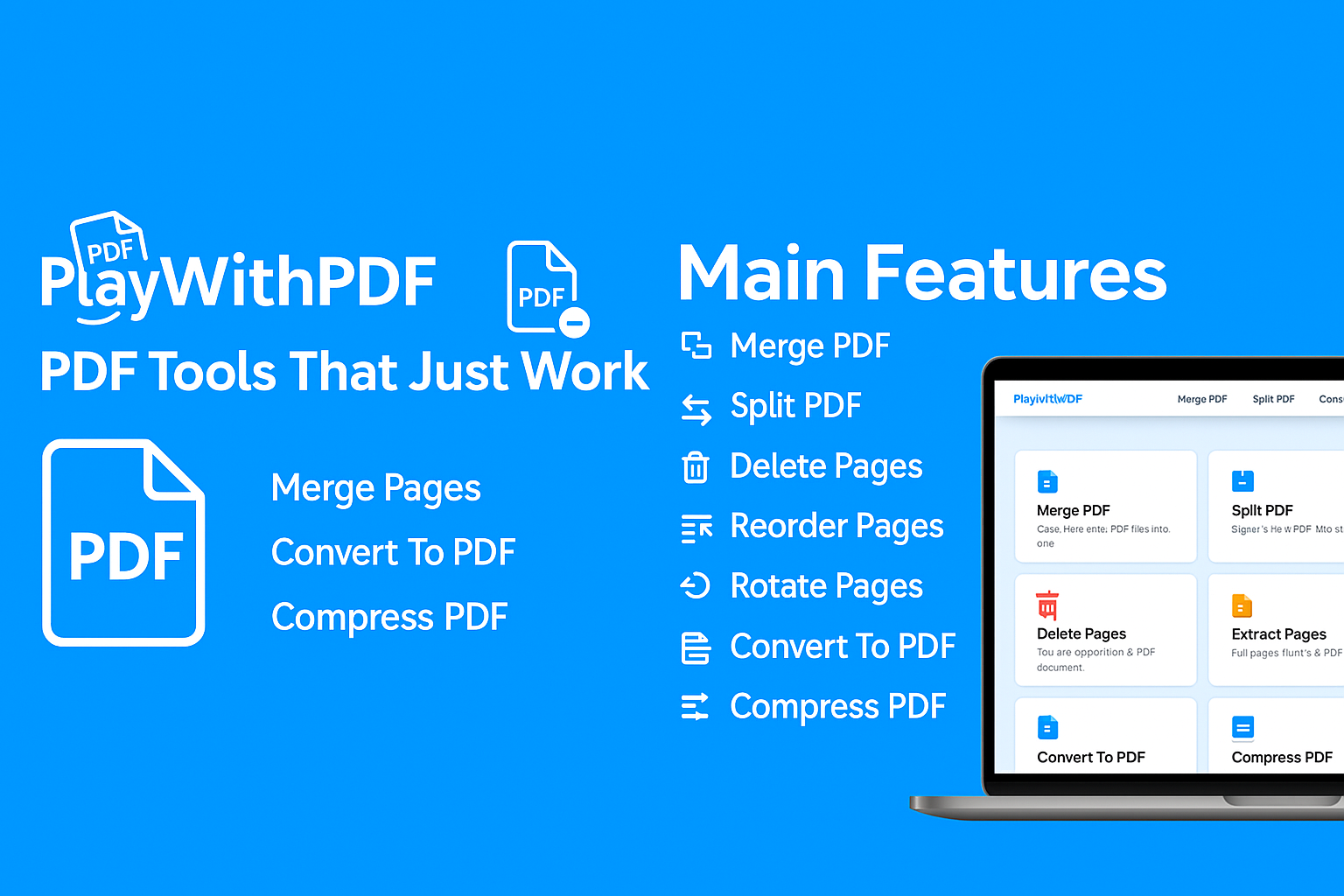
Combine multiple PDF files into one.
Split PDF into individual pages or page ranges.
Remove unwanted pages from your PDF.
Pull selected pages from your PDF into a new file.
Rearrange the order of pages in your PDF.
Rotate PDF pages left or right.
Insert pages into your PDF at specific positions.
Convert PDF pages into JPG images.
Convert PDF pages into PNG images.
Convert JPG images to PDF.
Convert PNG images to PDF.
Convert HTML pages to PDF.
Reduce the file size of your PDF.
Add password protection to your PDF.
Remove PDF password protection.
Add page numbers to your PDF.
Add legal bates numbers to your PDFs.
Strong PDF workflows are about more than uploading a file and pressing convert. These guides explain the context behind the tools.
A PDF can open normally and still fail on a job, admission, government, or client portal. Use this ordered checklist to isolate file-size, encryption, naming, page, and browser problems without repeatedly rebuilding the document.
Read guideTurn phone photos or document scans into one readable, correctly ordered PDF with complete edges, sensible filenames, and a verified final download.
Read guideChoose the correct PDF page tool by deciding whether you need several files, one selected section, or one revised document with unwanted pages removed.
Read guidePlayWithPDF gives you full control over your PDF documents. Merge, edit, extract, compress, convert, and secure your files with ease. All tools are browser-based, encrypted, and 100% free - making document handling fast, private, and reliable.
Files move over HTTPS so uploads and downloads are protected while the task is being processed.
Your files are automatically deleted after processing
Use all tools without signing up or creating an account
Three simple steps to get your PDF tasks done
Choose a file from your device or drag and drop it into the tool. Files are transferred over secure HTTPS and are removed automatically after processing.
Merge, split, compress, convert or edit text directly in your browser. Each tool is designed to be fast, accurate, and easy to use.
Download your updated PDF instantly and reuse it for email, print, or online sharing. No watermarks, no hidden limits.
No heavy desktop software needed. All tools run directly in your browser and are optimised for common tasks like merging, compressing, and converting PDFs.
We process your documents only for the selected task and automatically clean them up afterwards. You stay in control of when and how your files are shared.
From basic file operations to conversions and editing, handle almost any PDF workflow from one place instead of jumping between different websites.
PlayWithPDF is built to help students, professionals, and teams work faster with documents without subscription barriers for normal usage.
Everything you need to know about PlayWithPDF
Yes. The main tools for editing, converting and compressing PDFs are free to use directly in your browser. There are no required sign-ups to perform basic tasks. We believe essential PDF tools should be accessible to everyone.
Many PlayWithPDF tools work directly in your browser. When a workflow requires server processing, the tool sends the file only to perform the requested operation. Avoid uploading highly sensitive documents.
PlayWithPDF works on modern versions of Chrome, Edge, Firefox, and Safari on desktop and mobile. You can start a task on one device and repeat it on another without installing anything. Our tools are responsive and work great on tablets too.
For most tools, you can process PDFs up to 100MB in size. Some browser-based operations may have lower limits depending on your device's memory. For very large files, we recommend splitting them first.
Yes! You can use PlayWithPDF for both personal and commercial purposes. Whether you're a student, freelancer, or part of a business team, our tools are designed to help you work more efficiently with PDFs.
Choose a tool and get started in seconds. No sign-up required.
Browse All Tools